Streamlining Visual Communication with Professional Comparison Infographic Templates
In the current business landscape, clarity is currency. Whether you are a startup pitching to investors or a marketing team presenting quarterly results, the ability to distill complex data into digestible visuals is no longer optional—it is essential. The challenge, however, lies in the execution. Creating high-quality visual assets from scratch is time-consuming and often requires specialized design skills. This is where the utility of structured templates becomes apparent. Specifically, comparison infographic templates offer a focused solution for professionals who need to juxtapose data points, weigh pros and cons, or analyze market positioning quickly and effectively.
The Strategic Value of Structured Comparison
Comparison infographics serve a distinct psychological and strategic purpose. They do not merely present facts; they frame a narrative of choice and consequence. By placing two or more elements side-by-side, you guide the viewer’s eye through a logical analysis. For a business owner, this could mean visualizing the risk versus reward of a new venture. For a freelancer, it might involve breaking down service tiers for a potential client. The primary value of using a dedicated template for this task is the removal of structural ambiguity. You do not have to invent a layout that "works"; the layout has already been tested and proven to facilitate understanding.
Anatomy of an Effective Template Package
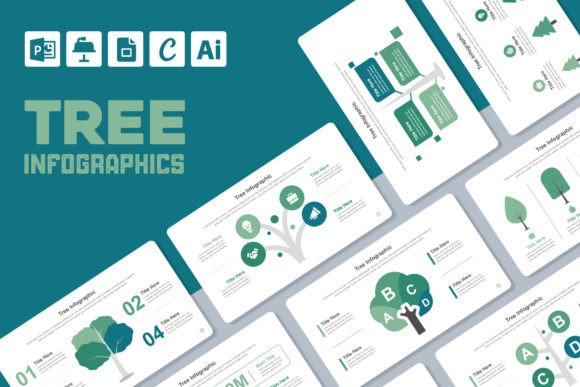
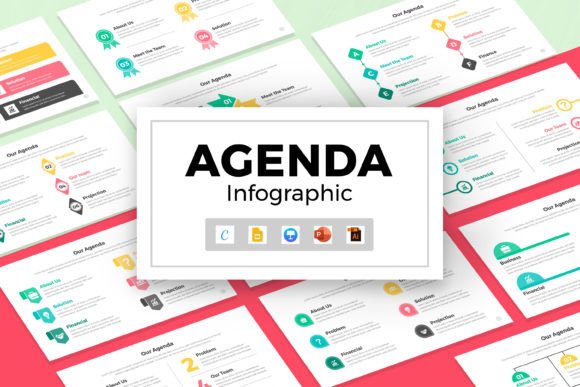
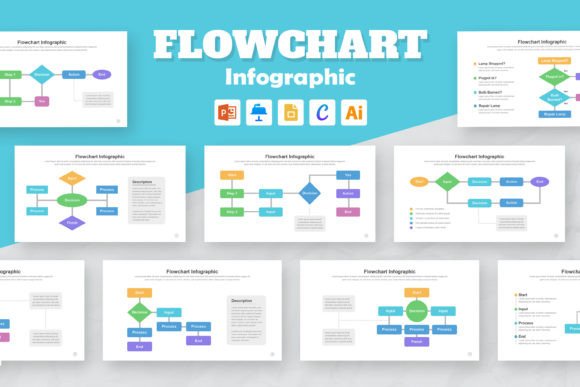
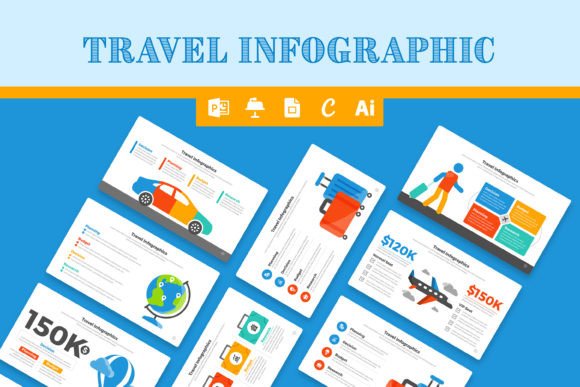
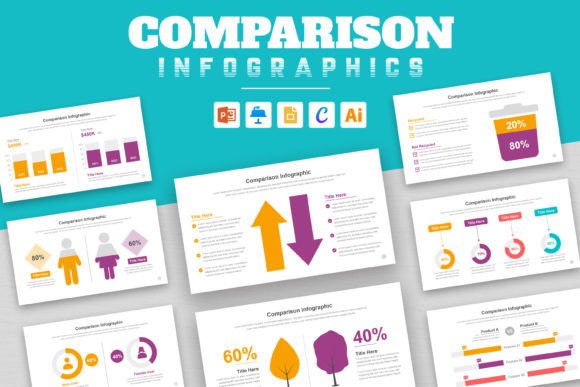
When evaluating resources like the Mighty Slide Comparison Infographic Templates, the focus shifts from "what can I create?" to "how efficiently can I execute?" A robust template package is defined by its compatibility and flexibility. This particular set includes formats for PowerPoint, Google Slides, Apple Keynote, and Adobe Illustrator. This cross-platform availability is a practical necessity in modern, collaborative environments where team members may use different operating systems or software preferences.
Furthermore, the inclusion of scalable vector graphics (EPS) ensures that the quality of the design remains intact regardless of the display size. Whether you are projecting on a conference screen or viewing on a mobile device, the visual integrity holds. The reliance on free fonts is another subtle but critical feature; it prevents the frustrating "font missing" errors that often plague shared presentations and keeps the project accessible for long-term maintenance.
Practical Application and Usability
The true test of a template lies in its editability. A "100% editable" claim suggests that the user has granular control over colors, text, and shapes. This is vital for brand consistency. A generic template has limited value if it cannot be adapted to match a company’s specific color palette or typography guidelines.
Consider a scenario where a small business owner is preparing a pitch deck. They need to compare their pricing model against a competitor’s. Using a pre-designed comparison infographic template allows them to input data immediately, rather than spending hours aligning boxes in design software. The structure of the infographic forces the user to be concise, which often leads to a clearer, more persuasive argument. The visual hierarchy—typically utilizing bold headings, clean lines, and distinct color blocks—ensures that the key takeaway is immediately visible, even to a passive audience scanning the slide.
Quality, Consistency, and Presentation
Visual consistency is a hallmark of professionalism. Disjointed slides or varying design styles within a single presentation can distract the audience and undermine the speaker's credibility. By utilizing a consistent set of comparison infographic templates, creators ensure that every slide speaks the same design language. This cohesion helps in building trust with potential clients and investors. It signals that the presenter values organization and has a keen eye for detail—traits that are highly valued in any business relationship.
However, it is important to acknowledge the limitations of templates. While they provide an excellent starting point and a professional framework, they cannot compensate for poor data or unclear messaging. A well-designed chart displaying flawed logic will still result in a flawed conclusion. Therefore, these templates should be viewed as amplifiers of good content, not substitutes for it. The user must still conduct the necessary research and analysis to populate the infographic with meaningful information.
Target Audience and Workflow Integration
These templates are particularly beneficial for professionals who operate in fast-paced environments. Marketers preparing campaign reports, educators creating course materials, and consultants delivering client updates all face the same constraint: limited time. The "instant download" and "ready-to-use" nature of these assets integrates seamlessly into existing workflows. Instead of starting from a blank canvas, the user starts with a structure, which significantly reduces the cognitive load associated with design.
For the serious hobbyist or content creator, these tools democratize design. You do not need a background in graphic design to produce a polished, visually appealing comparison. The templates handle the heavy lifting of layout, spacing, and aesthetic balance, allowing the creator to focus on the content itself.
Conclusion
Comparison infographic templates represent a practical intersection of design and data visualization. They offer a reliable method for transforming abstract numbers and concepts into concrete, visual arguments. By leveraging these resources, professionals can enhance their presentations, streamline their workflow, and ultimately communicate their value proposition with greater impact. The key is to use the template as a foundation, building upon it with clear insights and relevant data to truly make the information easy to understand and persuasive to the viewer.